The Fix
Enable Persistent Logging
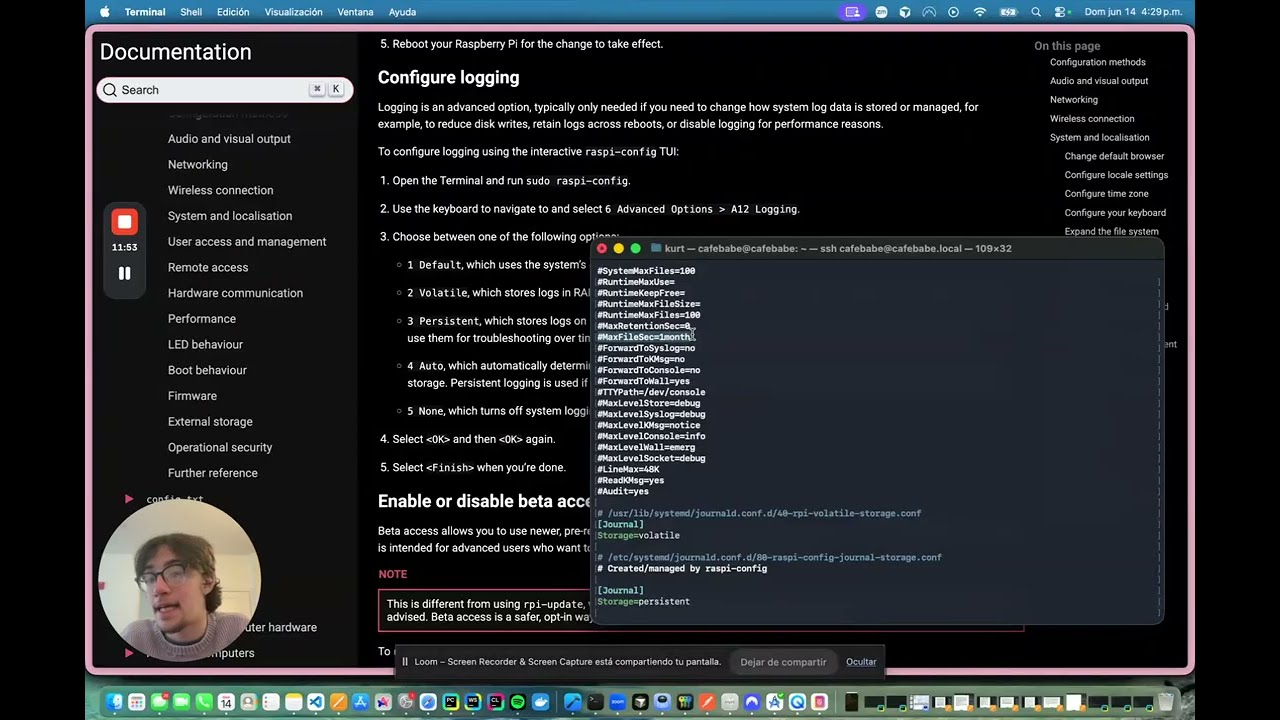
Raspberry Pi OS defaults to Storage=volatile — logs live in RAM and vanish on every reboot. Use raspi-config to fix this properly; it writes to /etc/systemd/journald.conf.d/ where package updates won't clobber it.
# 1. Open raspi-config → Advanced Options → Logging → Persistent
sudo raspi-config
# 2. Restart journald
sudo systemctl restart systemd-journald
# 3. Reboot, then verify past boots are visible
sudo reboot
journalctl --list-boots
# 4. Query logs from a previous boot
journalctl -b -1 -u NetworkManager
// don't do this
Don't manually edit files under
/usr/lib/systemd/journald.conf.d/ — they're owned by packages and get overwritten on apt upgrade, silently reverting your change.
// do this
Listen to BobThePumpkin and add a rule of greater precedence to /etc/systemd/journald.conf.d/
Sources